
Free Fusion 360 for Students: Unlock 3D Power

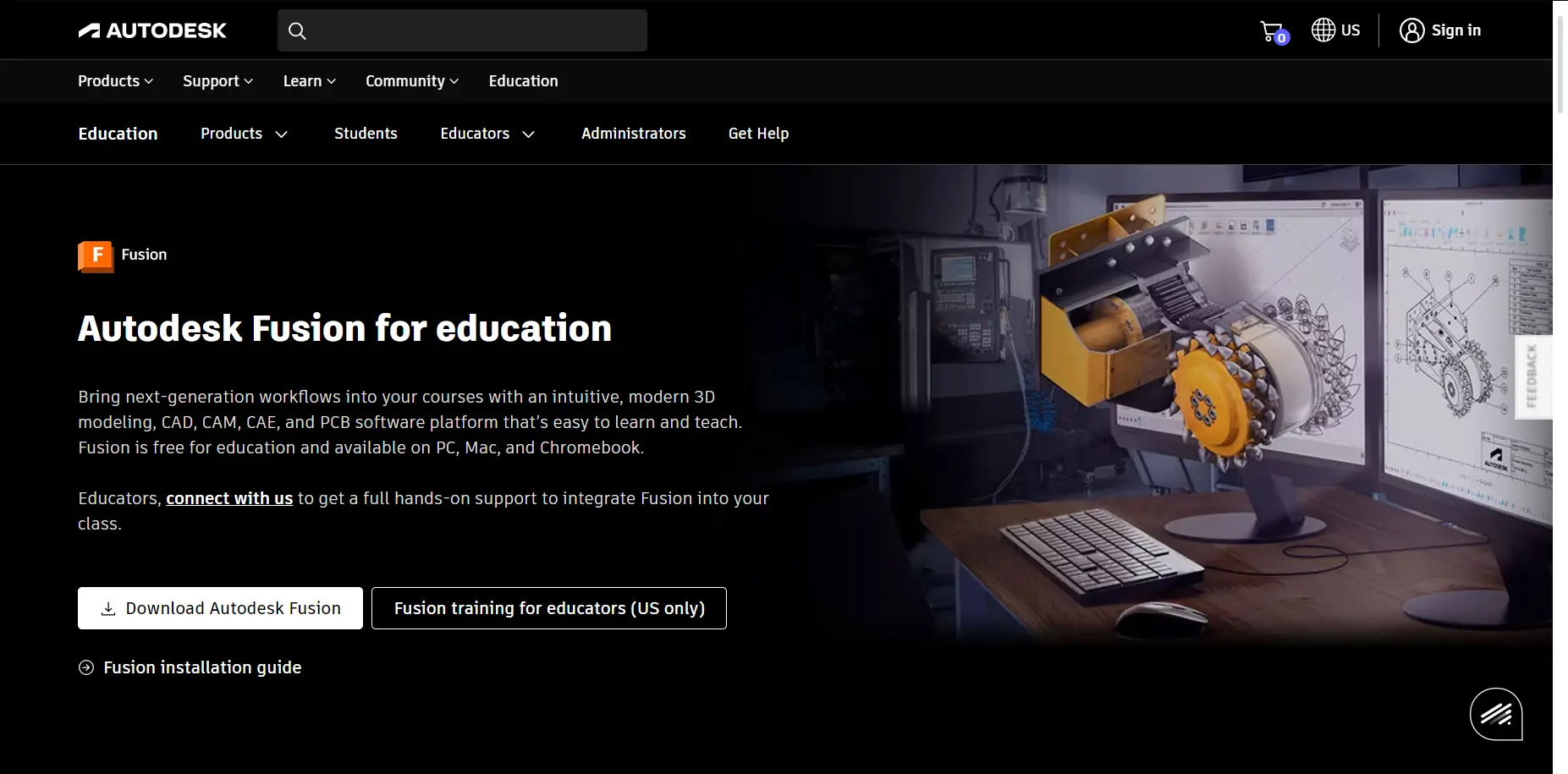
In the world of 3D modeling, Autodesk Fusion 360 stands out as a powerhouse tool that’s transforming how students learn design, engineering, and manufacturing. If you’re a student eyeing a career in mechanical engineering, product design, or even 3D printing, the free student version of Fusion 360 is your gateway to professional-grade software without the hefty price tag. As of 2025, with AI-driven updates and enhanced collaboration features, it’s more accessible than ever. This guide dives into everything you need to know to get started, optimized for aspiring creators like high school and college students, educators, and hobbyists dipping into 3D modeling.

What is Fusion 360?
Fusion 360 is a cloud-based 3D CAD, CAM, CAE, and PCB design software developed by Autodesk. It integrates multiple design disciplines into one platform, allowing users to create, simulate, and manufacture products seamlessly. For students, it’s particularly valuable because it bridges classroom learning with real-world applications, preparing you for Industry 4.0 careers where digital twins and generative design are key.
Unlike traditional software, Fusion 360 operates in the cloud, meaning your projects are accessible from any device with an internet connection. This flexibility is a game-changer for group projects or remote learning scenarios common in 2025’s hybrid education landscape.
Benefits for Students in 2025
The student version of Fusion 360 isn’t a watered-down trial—it’s the full suite, free for eligible users. Here’s why it’s a must-have:
- Cost-Free Access: Eligible students get a one-year renewable license, saving hundreds on commercial subscriptions that can cost up to $640 annually.
- Career Preparation: Gain skills in CAD/CAM that employers seek. Institutions like Clover Park Technical College report doubled student projects and enhanced learning outcomes.
- Collaboration Tools: Real-time updates for team projects, perfect for group assignments or hackathons.
- Educational Resources: Built-in tutorials, certifications in CAD and generative design, and curriculum pathways to boost your resume.
- Trending Integration: With 2025’s rise in AI and additive manufacturing, Fusion 360’s tools align with hot trends like sustainable design and rapid prototyping.
These benefits make it ideal for students balancing tight budgets and ambitious projects, fostering creativity without barriers.
How to Download and Install the Student Version
Getting started is straightforward. Follow these steps to access Fusion 360 for free:
- Check Eligibility: You need a school-issued email from a qualified educational institution. Secondary and post-secondary students qualify.
- Sign Up: Visit Autodesk’s Education portal at https://www.autodesk.com/education/edu-software/overview. Select Fusion 360 and verify your status.
- Download: Once verified, download the installer for Windows, macOS, or even use the web browser version for lighter tasks.
- Install and Activate: Run the installer, sign in with your Autodesk account, and you’re set. Renewal is annual, as long as you’re eligible.
- Pro Tip: For hobbyists post-graduation, transition to the free personal use license, though it has some limitations like restricted export options.
The process takes minutes, and Autodesk’s streamlined verification in 2025 reduces hassle for schools managing up to 3,000 users.
Key Features for 3D Modeling
Fusion 360 packs powerful tools tailored for 3D modeling enthusiasts:
- Flexible 3D CAD: Explore design iterations with parametric modeling and direct editing.
- Integrated CAM: Program CNC machines or 3D printers directly from your designs.
- Simulation and Generative Design: Test stresses and optimize parts using AI to suggest efficient structures.
- PCB and Electronics: Design circuits alongside mechanical parts for mechatronics projects.
- Cloud Data Management: Secure storage with version history to track changes and prevent plagiarism in assignments.

What’s New in Fusion 360 for 2025
2025 brings exciting updates that make Fusion 360 even more student-friendly, focusing on AI, performance, and usability. Key highlights include:
- AI-Powered AutoConstrain (January Update): Automatically applies constraints to sketches, speeding up design for novices.
- New Presets (May Update): Choose ‘Custom,’ ‘Performance,’ or ‘Quality’ modes to optimize for your hardware and workflow.
- Assembly Constraints and Mesh Texture (July Update): Simplified assembly building and textured extrudes from images, great for creative projects like custom 3D prints.
- DXF Export and Configure Surface (March Update): Easier exports and surface configurations for manufacturing workflows.
- Performance Boosts: Up to 50% faster operations, including quicker body copying on Mac, ideal for student laptops.
These trends reflect the growing emphasis on AI in design, making complex tasks accessible and aligning with 2025’s push toward efficient, collaborative engineering.
System Requirements for Smooth Performance
To run Fusion 360 effectively in 2025, ensure your setup meets these specs:
- Operating System: Windows 10/11 (64-bit), macOS Monterey 12 or later.
- CPU: 4-core Intel or AMD processor, 2.5 GHz or faster (recommended: 3 GHz+ for complex simulations).
- RAM: Minimum 4 GB (recommended: 8 GB+ for multitasking).
- Graphics: DirectX 11 compatible with 1 GB VRAM (integrated graphics work for basics; dedicated GPU like NVIDIA GeForce for advanced rendering).
- Disk Space: 3 GB for installation.
- Internet: Required for initial setup and cloud features; offline mode available.
These are forgiving for most modern laptops, but for heavy 3D modeling, aim for recommended specs to avoid lags.
Also See : – ArtCAM 2018 Software Free Download: A Complete Guide for Beginners & Pros
Tips for Beginners in 3D Modeling
Starting out? Here are actionable tips to maximize Fusion 360:
- Start with Tutorials: Use the built-in Fusion Fundamentals course—it’s free and takes about 12 hours.
- Practice Sketching: Master 2D sketches before diving into 3D; use AutoConstrain to automate constraints.
- Join Communities: Forums like Autodesk’s or Reddit’s r/Fusion360 for student tips and project ideas.
- Experiment with Generative Design: Input constraints and let AI generate optimized models—perfect for eco-friendly projects trending in 2025.
- Backup Regularly: Leverage cloud saves to avoid losing work during group edits.
These habits will build your skills quickly, turning you from novice to proficient modeler.
FAQ Section
Is Fusion 360 really free for students?
Yes, eligible students get full access for one year, renewable. It’s for educational use only, not commercial.
What if I’m not a student anymore?
Switch to the free personal/hobby license, but note limitations like no multi-sheet drawings.
Can I use Fusion 360 on a Chromebook?
Yes, via the web browser version, though full features require a desktop app.
How does it compare to other 3D software?
Fusion 360 excels in integration and cloud collab, outperforming free alternatives like Tinkercad for advanced users.
Are there certifications?
Absolutely—earn badges in CAD, CAM, and generative design to enhance your portfolio.
What’s the biggest 2025 trend in Fusion 360?
AI enhancements like AutoConstrain are revolutionizing beginner workflows.



Tulisan ini sangat menarik,
menambah wawasan baru.
Saya terinspirasi membacanya dan belakangan juga menjelajahi **GTA138**
yang menawarkan informasi online dengan bahasa sederhana.
Harapan saya terus maju.